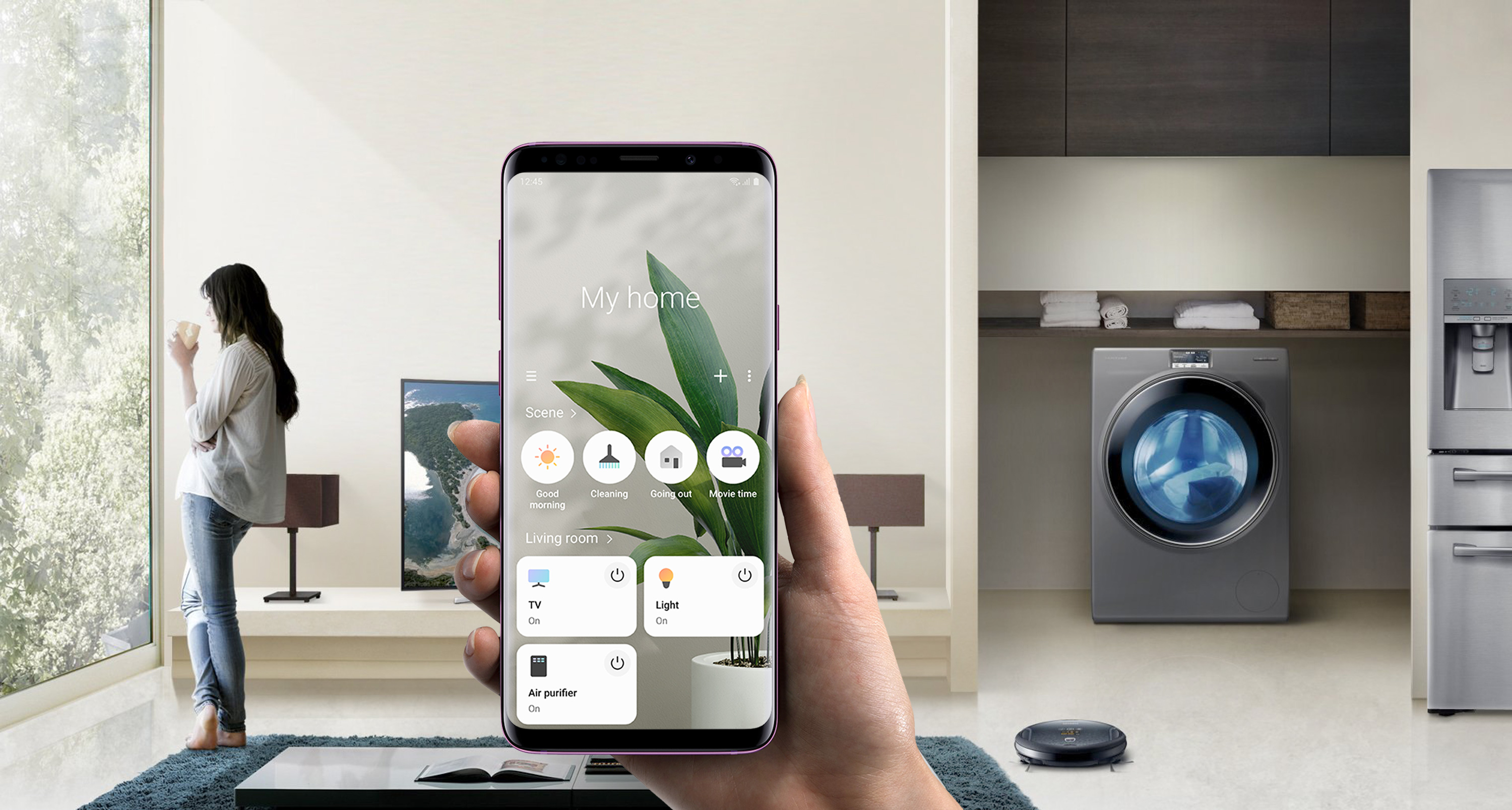
Samsung SmartThings is a smart home app that enables people to monitor and control their devices and appliances from their phones.
Through User Research, my team and I uncovered challenges faced by non-tech-savvy users when using the app for the first time. A thorough analysis of our findings led to insights that resulted in major improvements in User Experience.
I conducted qualitative UX Research on the Samsung Connect app and collaborated with the design team to improve the dashboard and setup experience. The product was shipped as Samsung SmartThings in 2018 and it is available on Google Play.
- Research Planning
- Moderated Testing
- Research Analysis
- Design Sprint
To comply with Samsung Electronics NDA, I do not disclose any confidential information. The information provided here is a reflection of my process and does not necessarily reflect the views of Samsung Electronics.
Insight
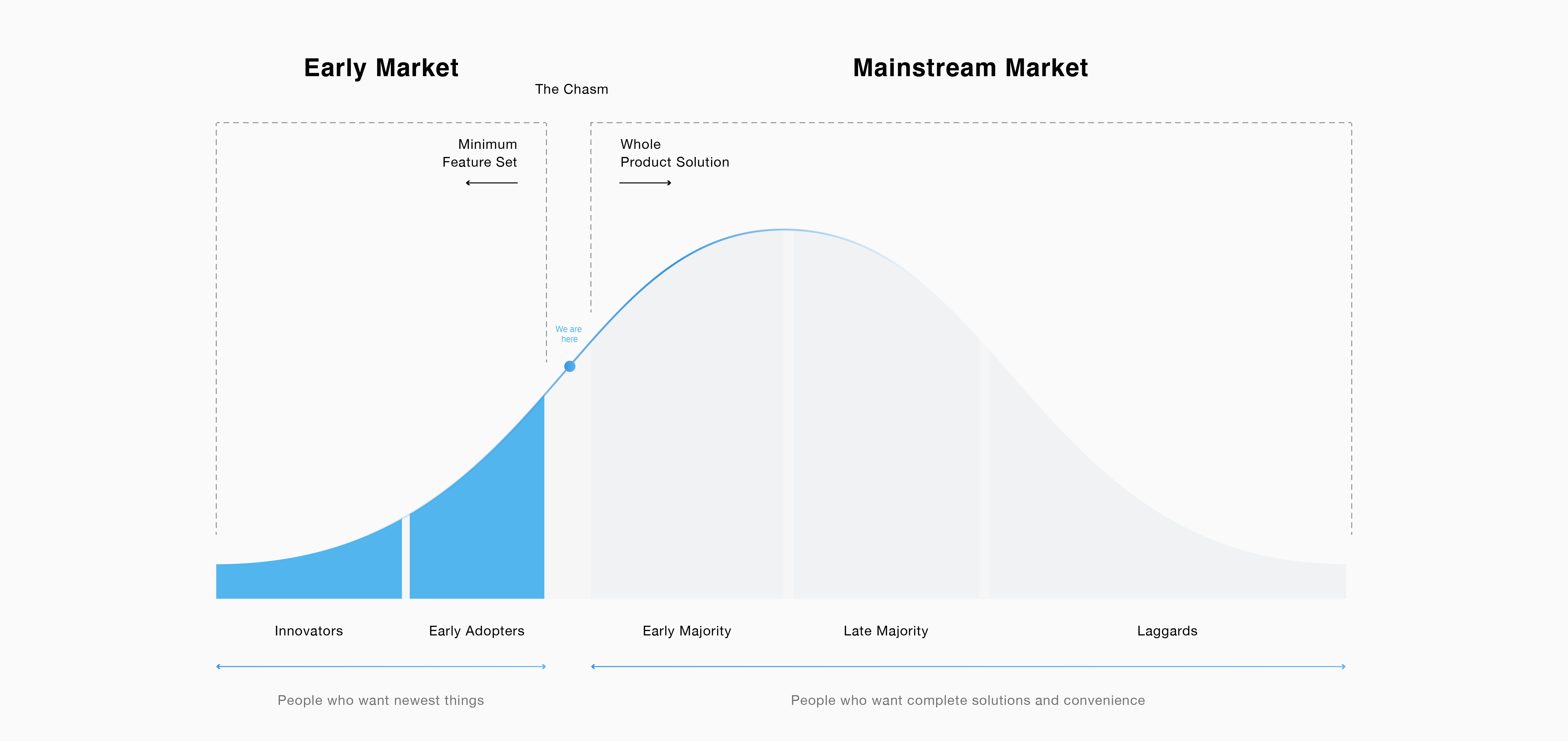
Many smart home products were designed to entice early adopters. However, to make smart home mainstream, companies must improve the usefulness and usability of their products. Besides technical difficulties and compatibility issues, users often face challenges when trying to set up their smart home which prevents them from adopting the technology.
A better User Experience can entice the early majority of users to set up their connected home and continue to expand the capabilities of their smart home by purchasing compatible devices. Mass adoption will result in a thriving ecosystem and further development of IoT technology.
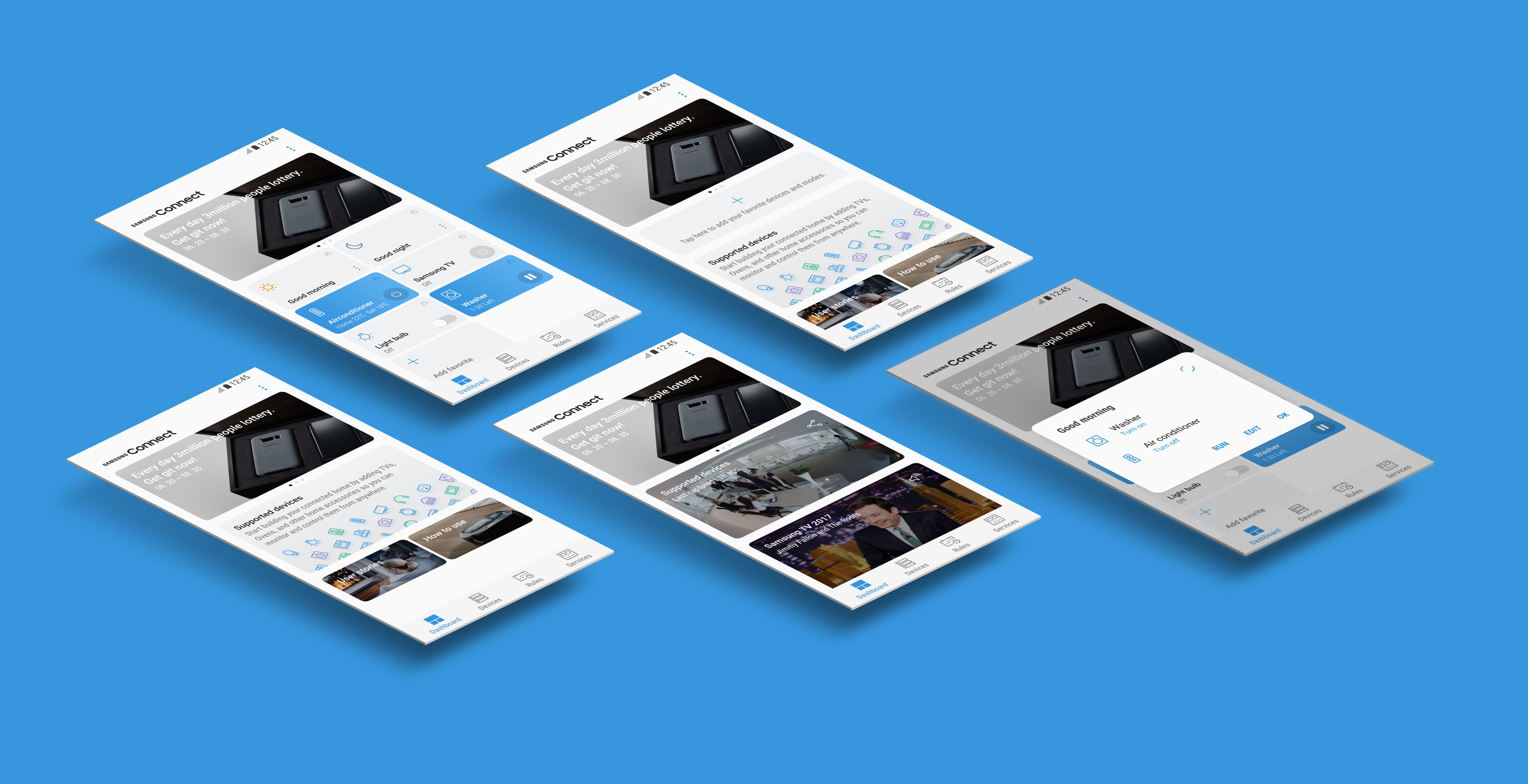
To identify key usability issues and make recommendations to enhance the User Experience, We conducted usability testing in 3 countries, 2 languages, and with over 30 participants.
Methodology
Usability Testing
We began each test with a think-aloud exercise on the dashboard. This helped to make users familiar with the UI before completing tasks. Then we asked them to reorder the dashboard so it matches what they might like. We wanted to validate affordances by looking to see if the interaction is intuitive.
Devices and Rooms Workflow
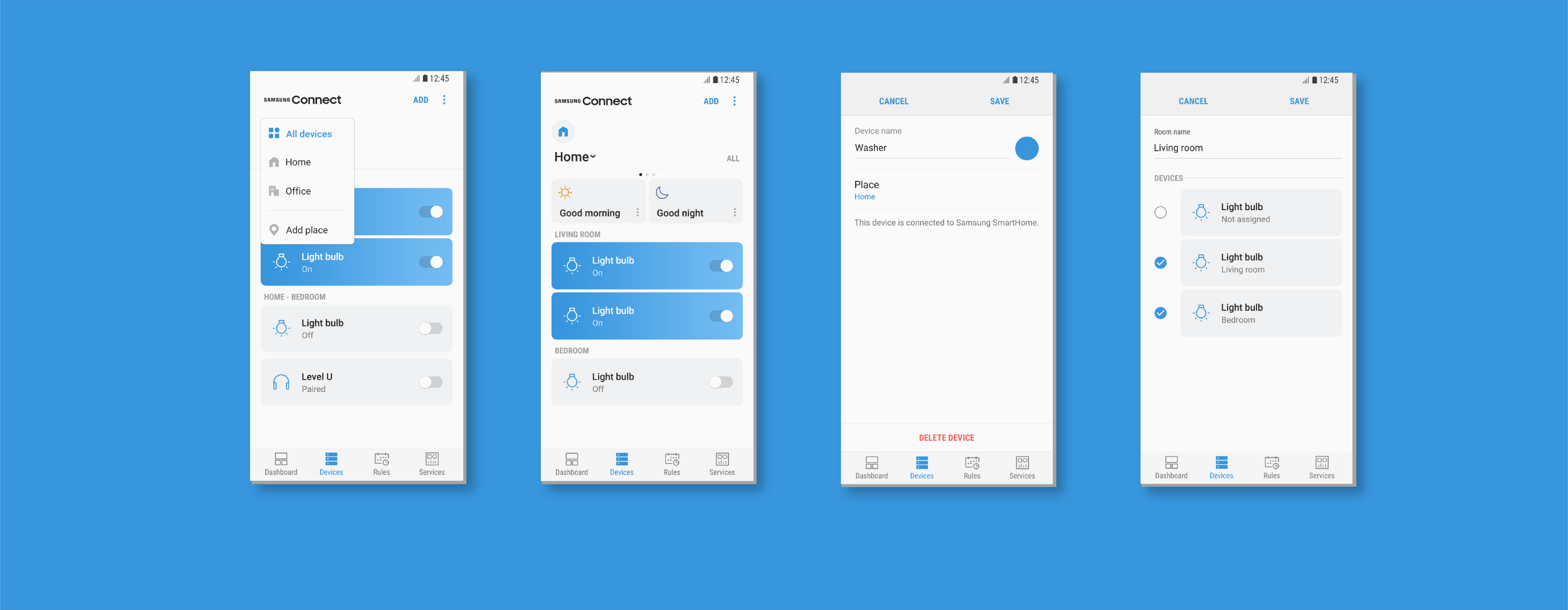
The workflow we heavily focused on was supposed to help first-time users set up their smart home. We decorated a usability lab as it was a living room and asked participants to use the app to set up smart lights as if they would do in their living room. Then we asked them to move the light to a different room and make changes in the app.
Mixed-Up Mental Models were among the main challenges we identified. We observed how different demographics had unique mental models when setting a light in a room.
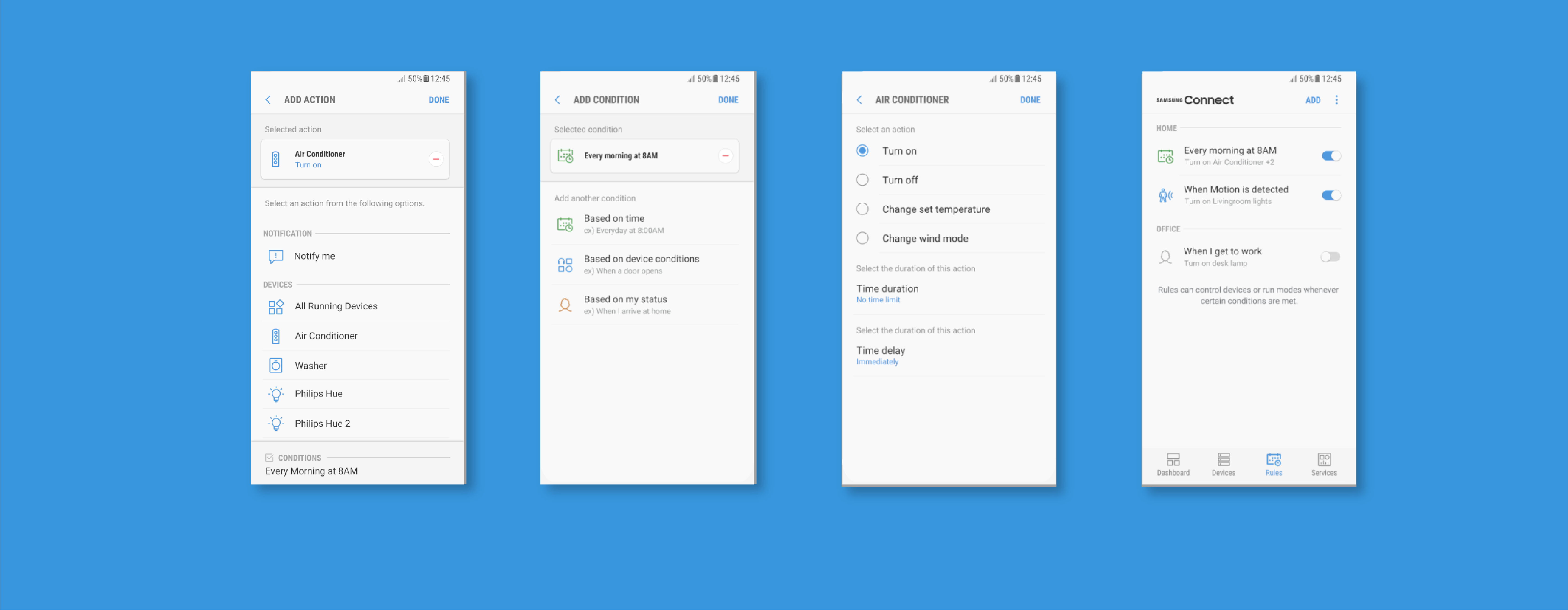
Rules Workflow
We learned initially users had a lot of challenges understanding how they set up rules. Part of these challenges was due to the heavy use of text to communicate the system status.
Sprint
In addition to usability testing, we interviewed participants about their experience and used a diary study when needed. Once the data was collected we used Sprint to inform the design.
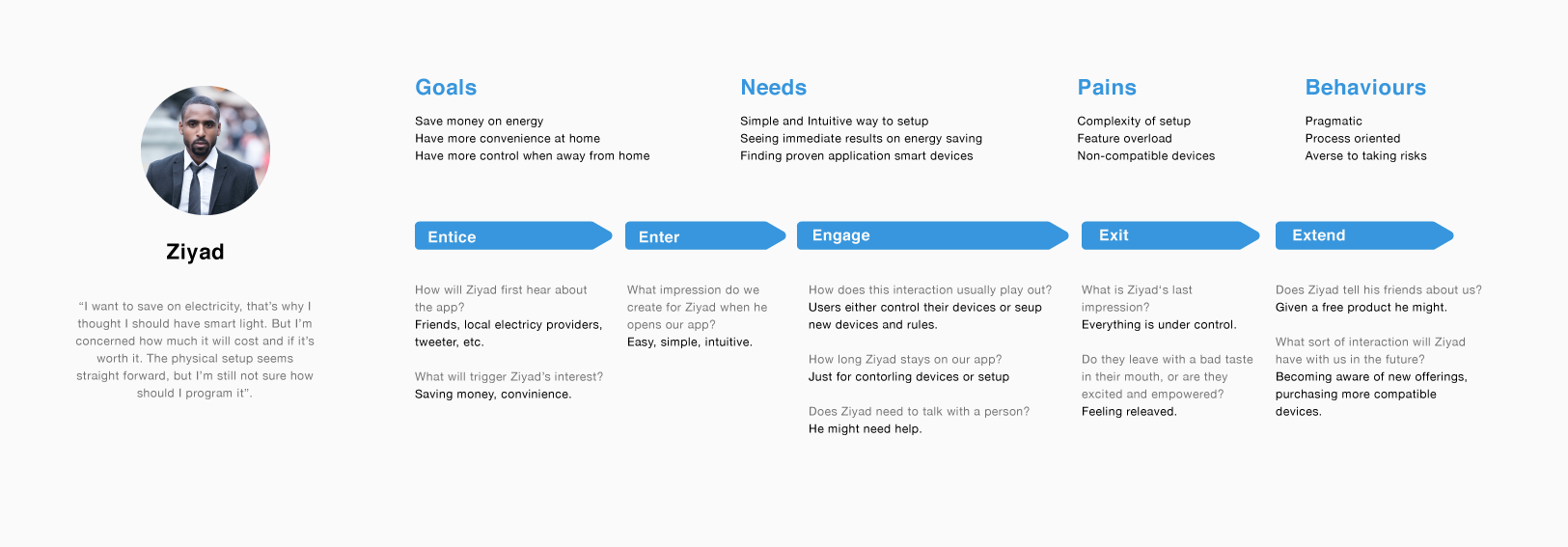
Analysis
We used thematic analysis in a non-linear process where we continuously revisited our assumptions and re-framed our questions as needed.
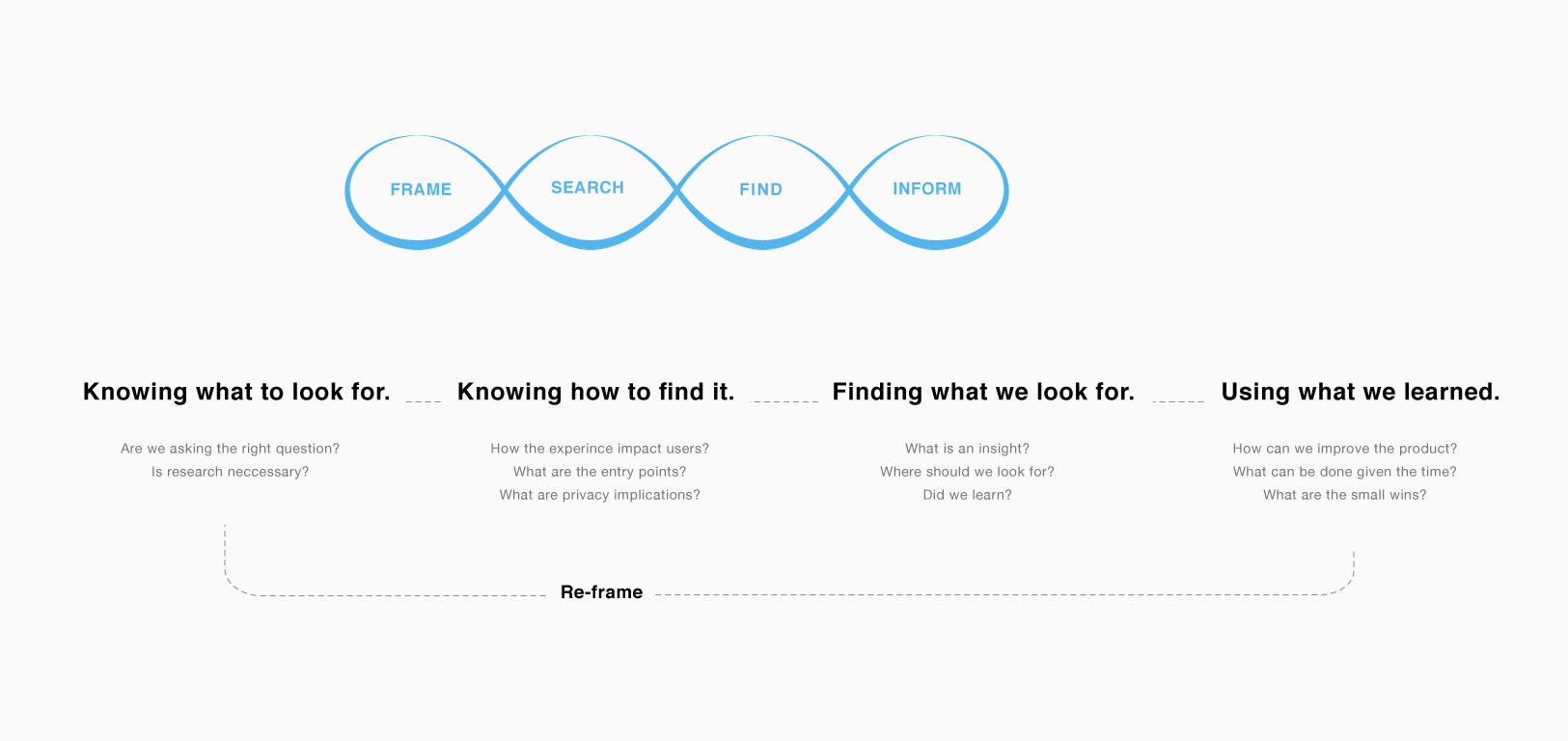
Impact
Our sprint resulted in recommendations to improve UX and interaction ideas which we filed as a patent. We also used opportunities like weekly wrap-ups to host UX lunch-and-learn for the entire team.
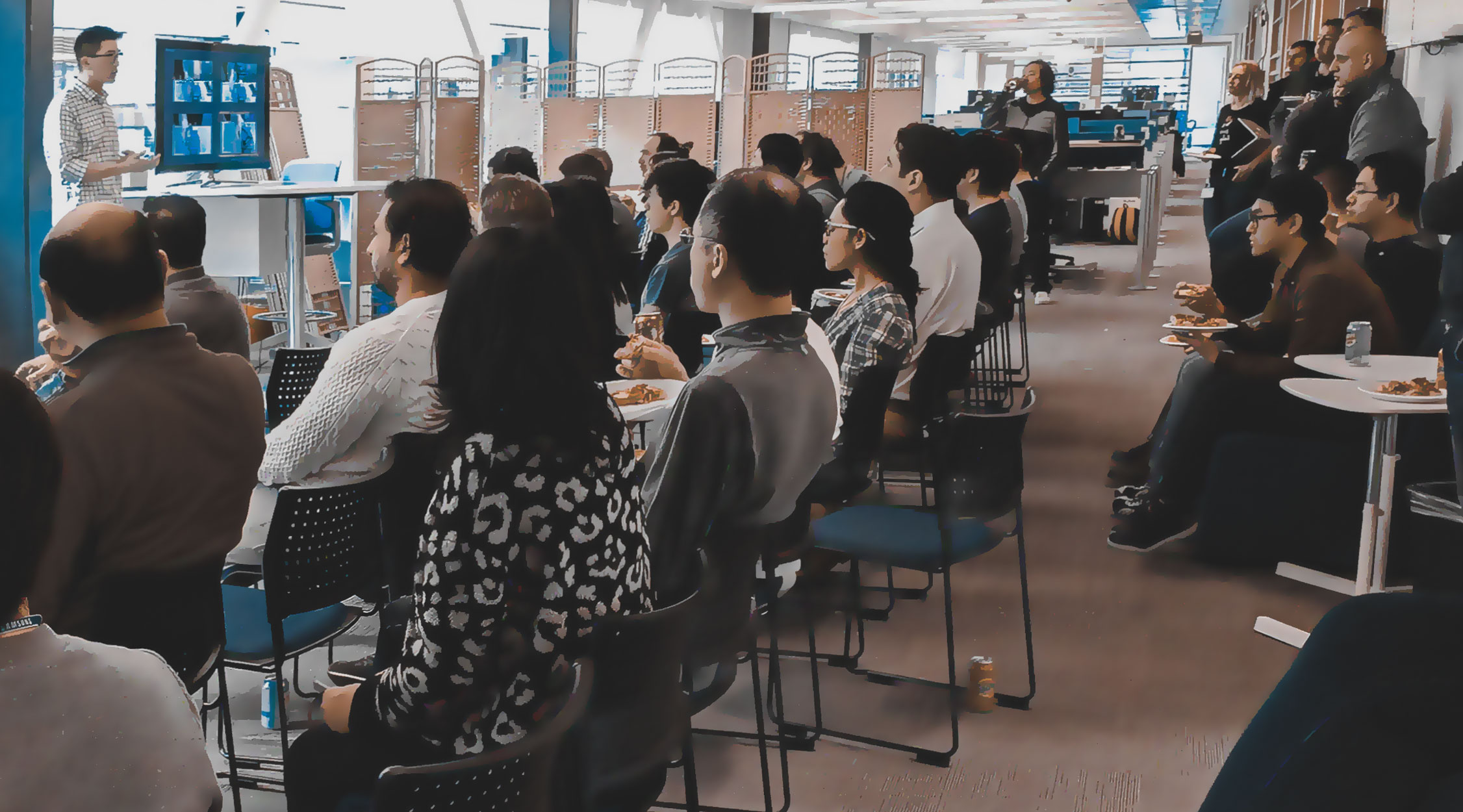

Shout out to Samsung R&D Canada UX team.
Thanks for checking out this case study. Time for another?
SAP Search to Insight
I designed and shipped an AI-powered mobile product that earned 4.8 rating on the app store, empowering decision-makers with self-service analytics.
UX Transformation for a Data Integration Platform
I led a transformative design journey that elevated the user experience through a cross-platform Design System and Human Interface Guideline.
LinkedIn Blueprint
Leveraging LinkedIn’s networking strength to support blue-collar workers transition into knowledge industries.